
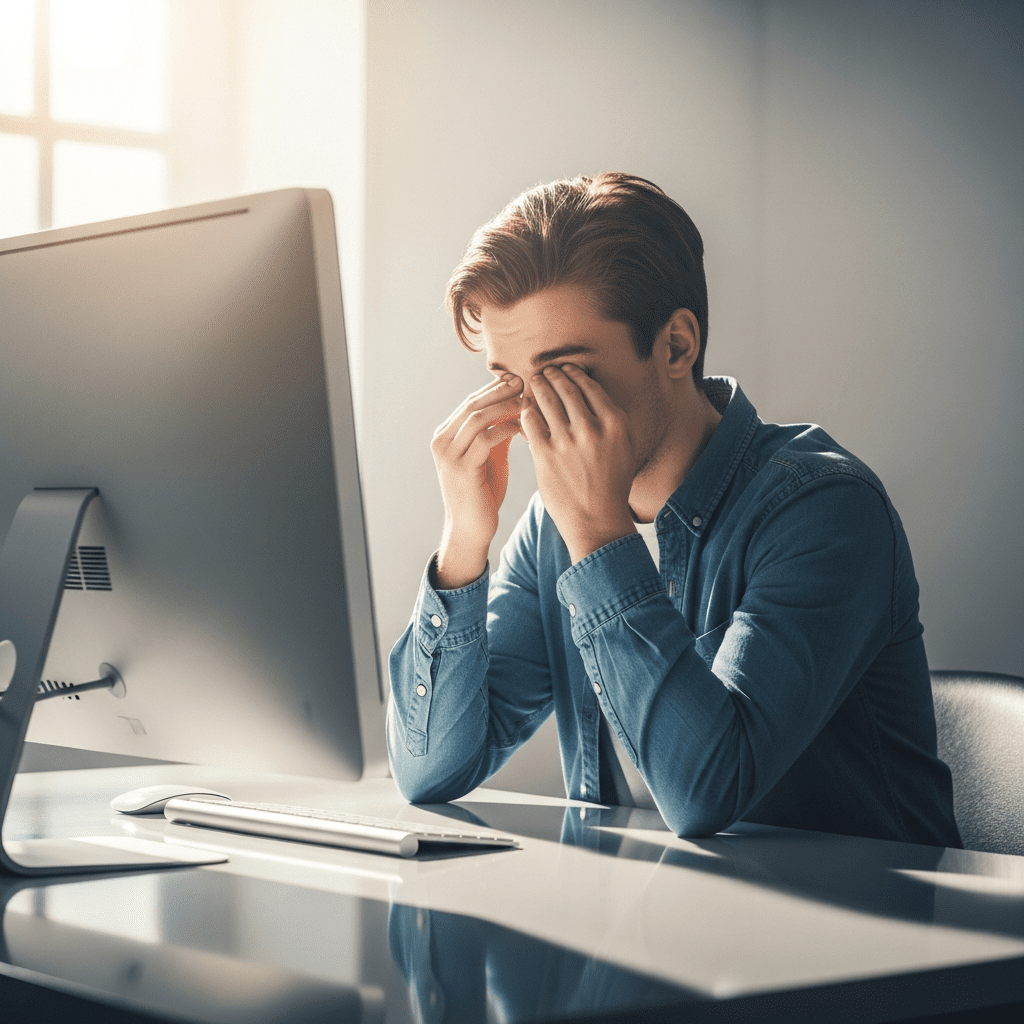
Jake finishes his workday staring at spreadsheets and emails for eight hours straight. When he finally stands up, his eyes feel dry, heavy, and slightly blurry. He assumes he’s just tired — but what he’s actually experiencing is computer eye fatigue.
Computer eye fatigue relief doesn’t require medication or expensive devices. In most cases, it comes down to small daily habits that reduce strain and give your eyes regular recovery time. If your eyes feel tired after screen use, your routine — not your vision — is usually the issue.
What Is Computer Eye Fatigue?
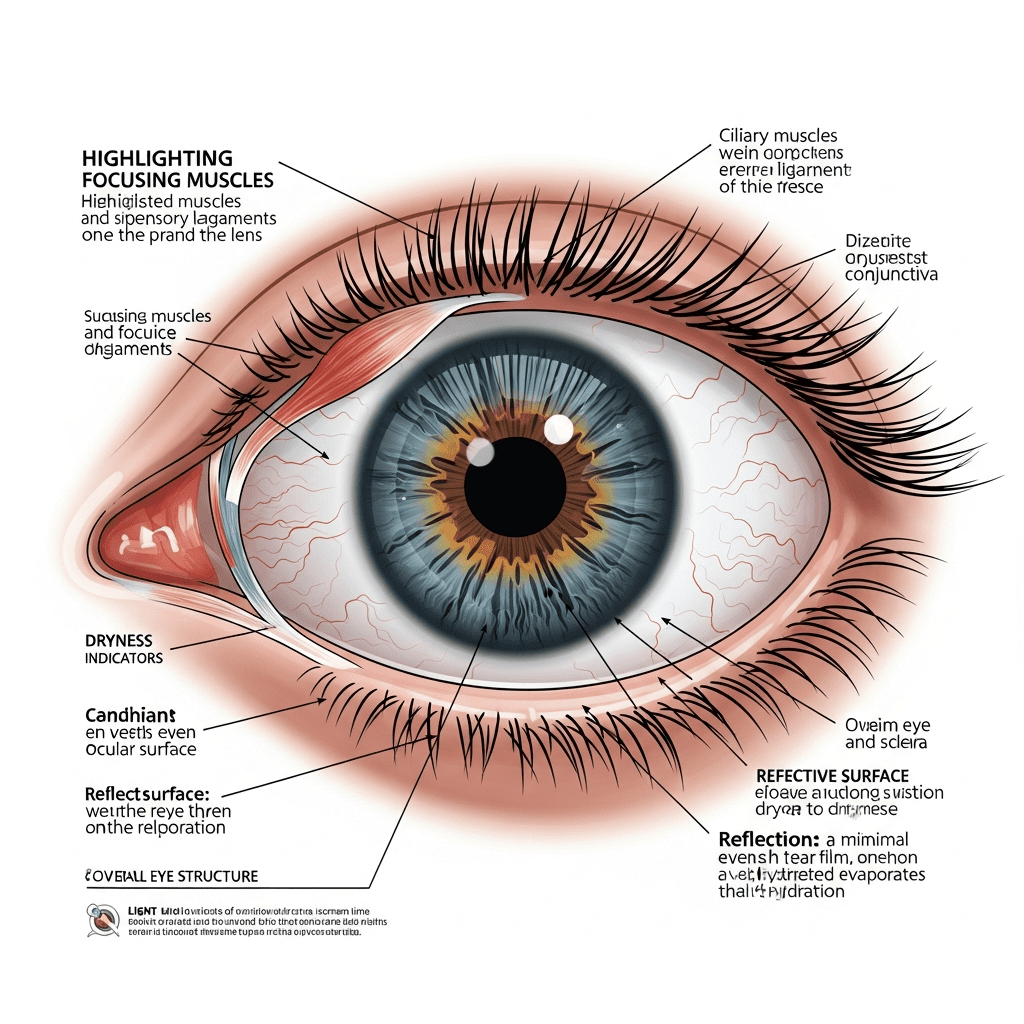
Computer eye fatigue, also called digital eye strain, is temporary discomfort caused by prolonged screen use. Symptoms often include dry eyes, blurry vision, headaches, and difficulty focusing. It usually happens because people blink less, focus continuously, and use screens without taking regular visual breaks.
Unlike medical eye conditions, this type of fatigue is habit-related and typically improves when daily screen behaviors change.
Common symptoms of computer eye fatigue include:
- Dry eyes
- Burning sensation
- Blurry vision
- Headaches
- Light sensitivity
- Trouble focusing
According to the National Eye Institute (NIH), extended screen use can lead to what’s known as computer vision syndrome due to reduced blinking and prolonged focusing effort.
Why Screens Cause Eye Strain
Digital screens challenge your eyes in ways printed pages do not.
Here’s what’s happening:
1. You blink less
Studies referenced by the NIH show people blink significantly less when using screens. Blinking spreads tears across the eye surface. When blinking decreases, dryness increases.
2. Your eyes constantly refocus
Unlike printed letters with sharp edges, pixels require constant micro-adjustments. Your eye muscles never fully relax.
3. Brightness and contrast stress your vision
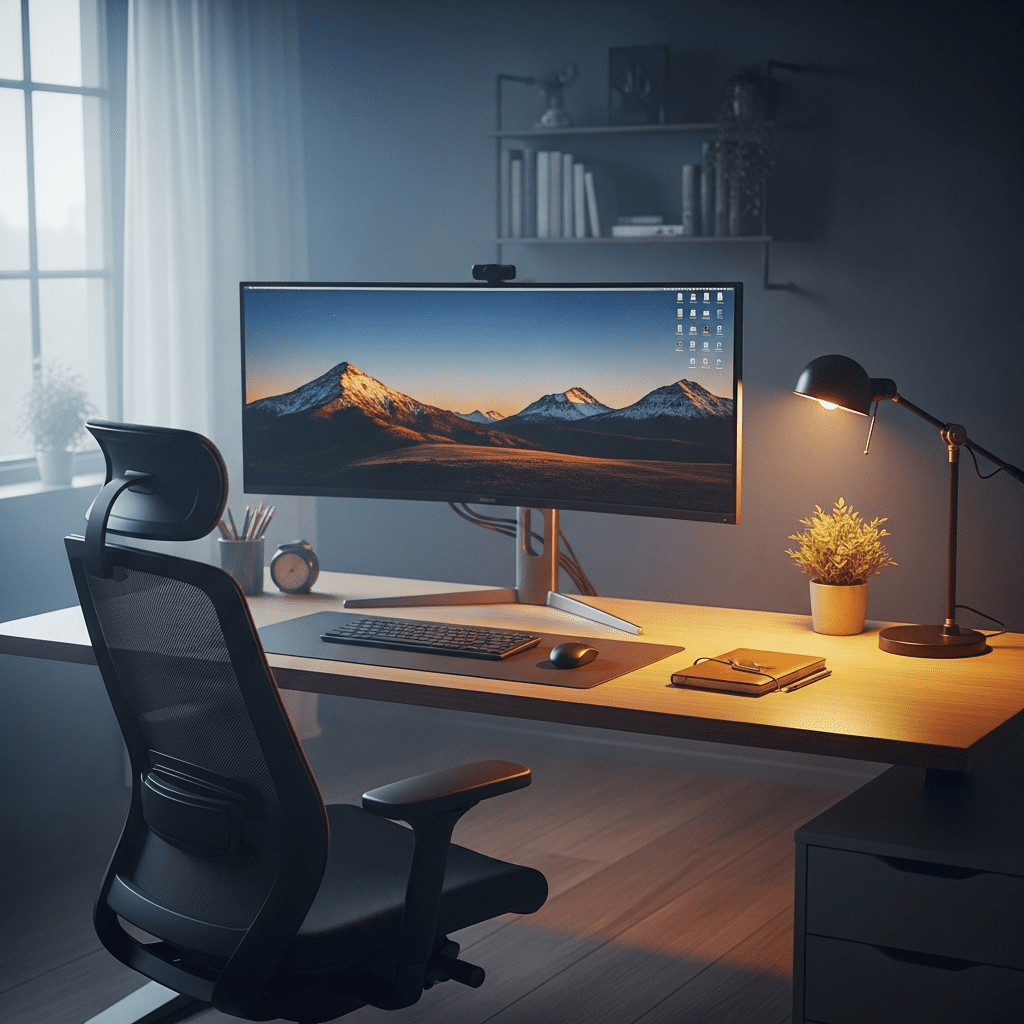
Working in a dark room with a bright screen increases contrast strain. The reverse — glare from windows — does the same.
4. Poor posture adds tension
Eye strain often combines with neck and shoulder tightness. If you’ve already read about feeling tired after sitting too long, you know how posture compounds fatigue:
The strain isn’t permanent damage — it’s accumulated effort.
How to Relieve Computer Eye Fatigue Naturally (Step-by-Step)
How to relieve computer eye fatigue quickly:
- Follow the 20-20-20 rule
- Blink intentionally
- Adjust screen distance
- Improve lighting
- Take micro-breaks
- Stay hydrated
- Increase text size
- Limit screens before bed
Now let’s break this down clearly.
Step 1: Use the 20-20-20 Rule
Every 20 minutes:
- Look 20 feet away
- For 20 seconds
This relaxes the focusing muscles inside your eyes.
Set a soft timer if needed. After a few days, it becomes automatic.
Step 2: Blink Intentionally
Blinking restores moisture.

Try this reset:
- Close eyes gently
- Pause 2 seconds
- Open
- Repeat 5 times
Simple, but effective.
Step 3: Adjust Screen Position
Proper setup:
- 20–28 inches from eyes
- Slightly below eye level
- Eyes angled slightly downward
This reduces surface exposure and strain.
Step 4: Fix Your Lighting
Avoid:
- Bright window glare
- Working in darkness
- Overhead reflections
Instead:
- Use soft room lighting
- Match screen brightness to room
- Reduce reflections
Balanced lighting lowers contrast stress immediately.
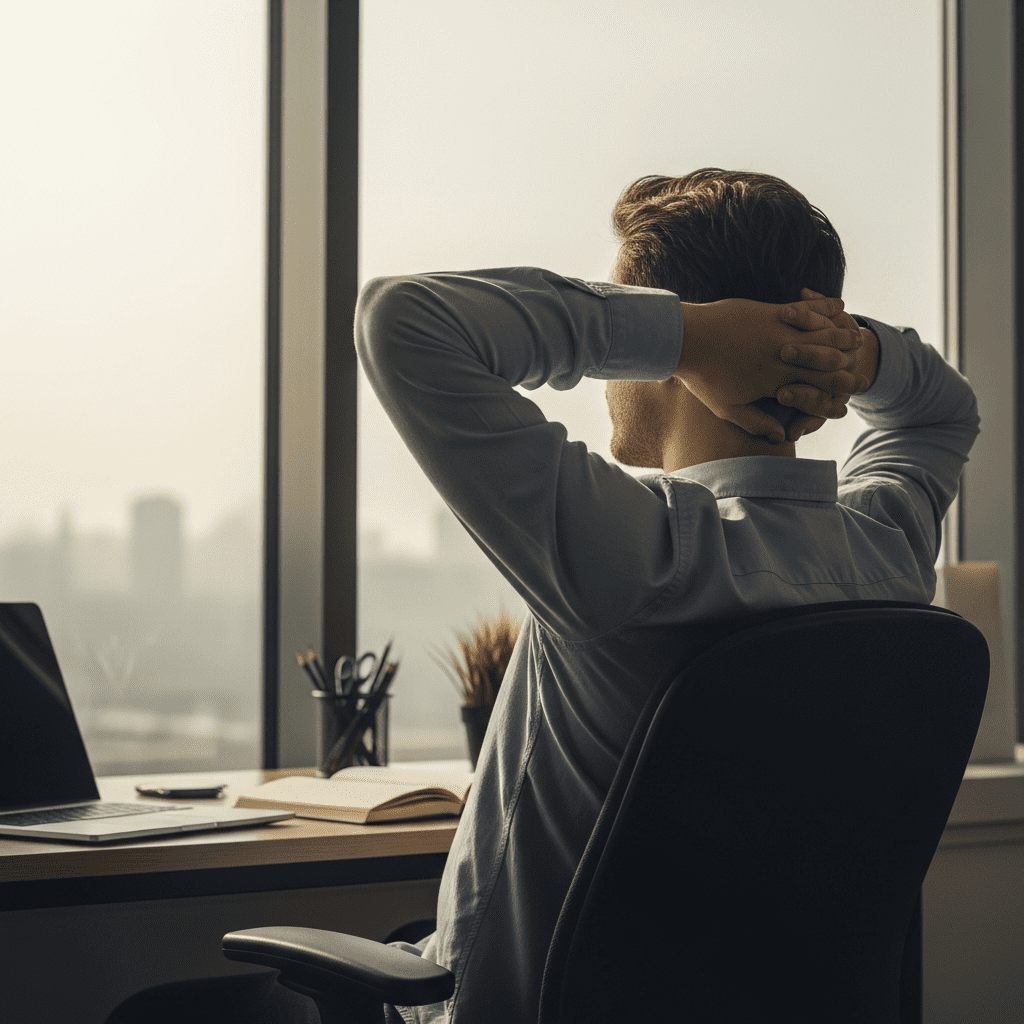
Step 5: Take Micro-Breaks
Your eyes recover quickly.
Examples:
- Look out a window
- Walk to refill water
- Close eyes for 10 seconds
Even 30 seconds helps prevent buildup.
Combine eye breaks with short movement routines like those explained here:
https://everydayhealthplan.com/5-minute-morning-rituals-boost-energy/
Step 6: Stay Hydrated
Hydration supports tear production.

Mild dehydration may worsen dryness, according to general public health guidance from the CDC.
Keep water at your desk and sip regularly.
If hydration consistency is a challenge, this routine can help:
https://everydayhealthplan.com/hydration-routine-busy-adults-daily/
Step 7: Increase Text Size
Don’t lean forward.
Instead:
- Zoom in
- Increase font size
- Adjust contrast
This reduces focusing effort instantly.
Step 8: Reduce Screens Before Bed
Evening screen use can increase next-day fatigue.
Blue light exposure at night may disrupt sleep cycles. Poor sleep means less eye recovery overnight.
Dim screens and limit use 30–60 minutes before bed.
Best Daily Habits to Prevent Digital Eye Strain
Morning:
- Adjust lighting
- Position screen
- Fill water bottle
During work:
- 20-20-20 rule
- Blink resets
- Micro-breaks
Evening:
- Lower brightness
- Limit late-night scrolling
Consistency matters more than perfection.

If you’re building healthier desk habits, adding simple daily energy routines can make long workdays feel easier and more sustainable.
Comparison Table: Straining vs Supportive Habits
| Straining Habit | Eye-Friendly Habit |
|---|---|
| Hours without breaks | 20-20-20 rule |
| Leaning toward screen | Increase font size |
| Dark room + bright screen | Balanced lighting |
| Forgetting to blink | Intentional blinking |
| No hydration | Regular water intake |
Small corrections often produce noticeable relief.
Common Mistakes That Make Eye Fatigue Worse
Ignoring early symptoms
Dryness and blur are early warning signs.
Increasing brightness too much
Brighter doesn’t mean better.
Sitting too close
Close screens increase focusing demand.
Skipping breaks
Continuous strain builds faster than you realize.
Only relying on eye drops
Drops may relieve dryness, but behavior fixes the cause.
The Science Behind Digital Eye Strain
Eye muscles work like any other muscle group.
Continuous contraction without rest leads to fatigue.
When you take breaks:
- Focusing muscles relax
- Tear film stabilizes
- Neural load decreases
That’s why small, repeated pauses work better than long, occasional breaks.
Digital eye strain is typically temporary and behavior-driven — not structural damage.
Daily Checklist for Computer Eye Fatigue Relief
Use this during your workday:
- Screen 20–28 inches away
- Top slightly below eye level
- Balanced room lighting
- Font size comfortable
- 20-20-20 rule active
- Blink resets hourly
- Water within reach
- Micro-breaks taken
- Screen dimmed at night
If most boxes are checked, your eyes are supported.
Long-Term Benefits of Reducing Screen Eye Strain
When eye fatigue decreases, people often notice:
- Better focus
- Fewer headaches
- Less shoulder tension
- Improved work comfort
- More stable energy
- Better sleep quality
It’s not just about your eyes. It’s about sustainable daily performance.
Reducing eye strain works best when combined with overall healthy routines like those shared in:
https://everydayhealthplan.com/daily-healthy-habits/
People Also Ask
Why do my eyes feel tired after using a computer all day?
Because screen use reduces blinking, forces continuous focusing, and exposes your eyes to bright light for extended periods. Without regular breaks, dryness and muscle fatigue build up.
How long does computer eye fatigue last?
It usually improves within minutes to a few hours after resting your eyes and reducing screen exposure.
Does blue light cause eye strain?
Blue light contributes to visual discomfort mainly at night when it affects sleep. The bigger issue is prolonged focus and reduced blinking.
What is the 20-20-20 rule?
Looking at something 20 feet away for 20 seconds every 20 minutes to relax focusing muscles.
Can dehydration cause dry eyes?
Yes. Lower hydration levels may reduce tear production, increasing dryness during screen use.
Should I sit closer or farther from my screen?
Most people benefit from a 20–28 inch distance with the screen slightly below eye level.
Are computer glasses necessary?
Many people find relief through lighting, blinking, posture, and break adjustments before needing specialized eyewear.
Trust Notice & Medical Disclaimer
This article is for educational purposes only and is based on public health guidance from organizations such as the CDC and NIH. It is not medical advice. If symptoms persist or worsen, consult a qualified healthcare professional.
Ready to Protect Your Eyes and Stay Energized?
Small, simple habits can make a huge difference in how your eyes feel and how productive your workday is. Start applying these tips today and see the difference for yourself!
Explore Daily Health Habits